Restrict payment methods based on the products and categories in the cart using flexible payment rules (whitelists and blacklists). PrestaShop’s default payment options are too limited for stores with mixed catalogs or special payment conditions. Payment Manager Pro gives you full control over which payment methods appear for each cart, by applying clear, rule-based conditions instead of basic on/off settings.
Key benefits at a glance
- Full control over which payment methods are available for each cart.
- Rule-based restrictions using products and categories in the cart.
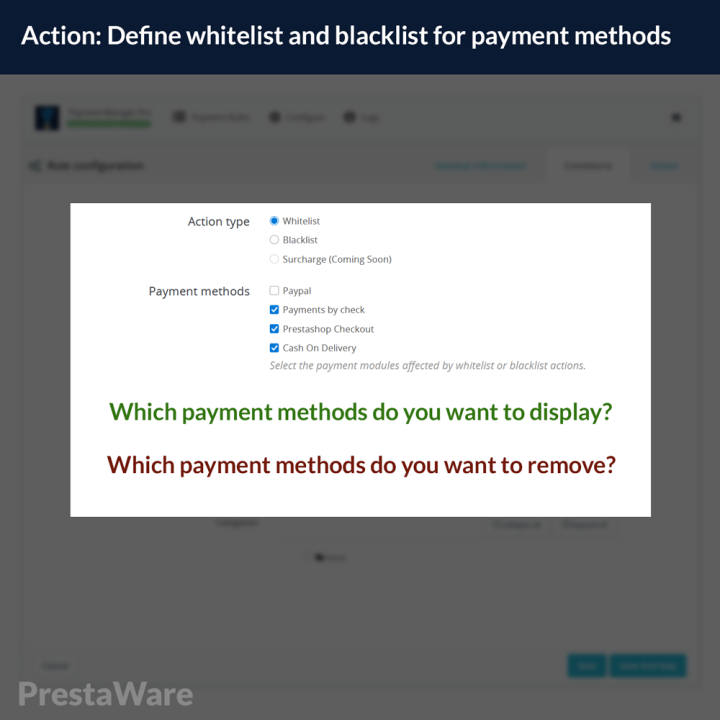
- Whitelist (only allow selected methods) and blacklist (hide specific methods) modes for each rule.
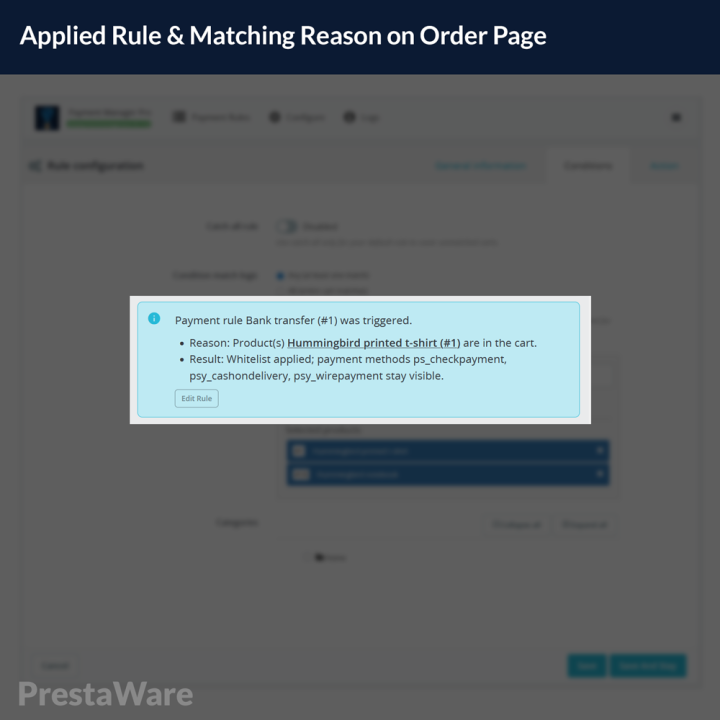
- Clear visibility thanks to detailed logs and order-level explanations of which rule was applied.
What this module does (current version)
- Create any number of payment rules for your shop.
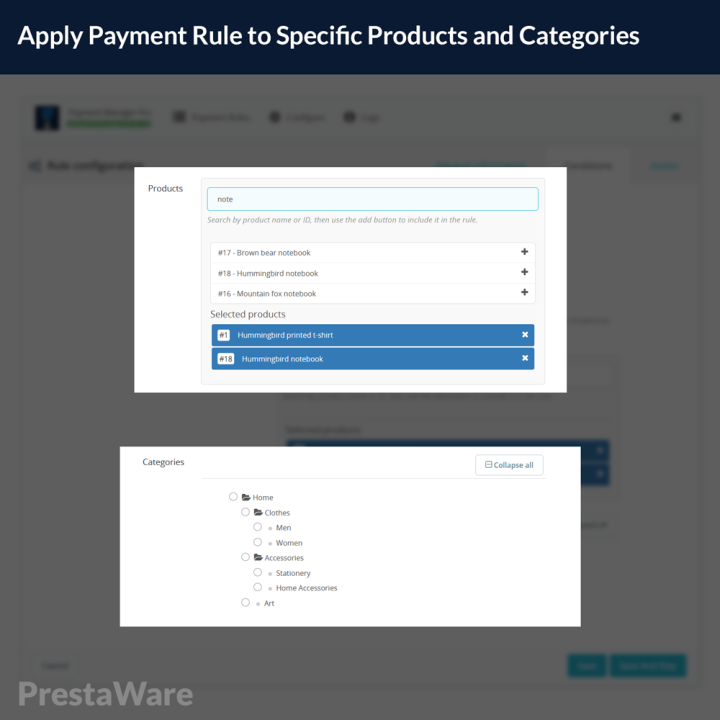
- Define conditions based on specific products and categories present in the cart.
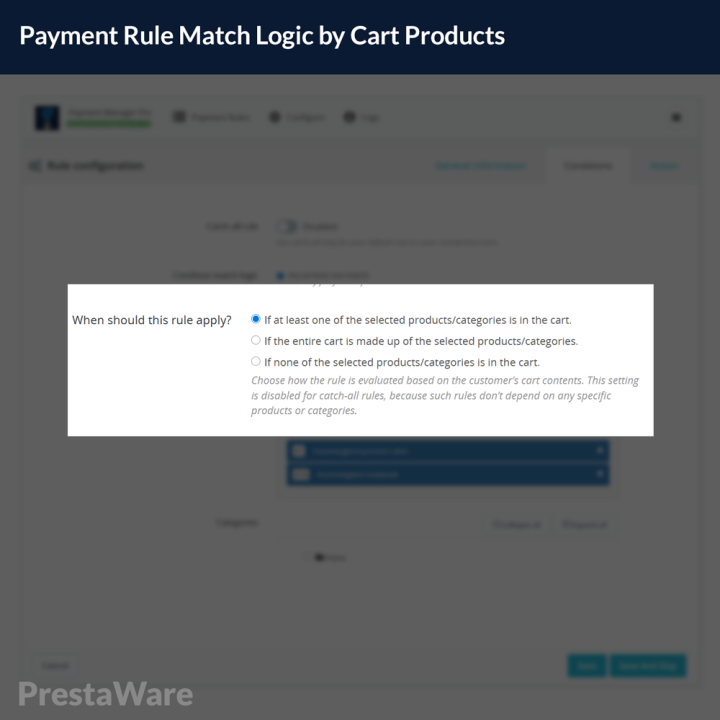
- Decide whether a rule should be triggered when any, all, or none of the selected products or categories are in the cart.
- For each rule, choose how payment methods are affected:
- Whitelist – only the selected payment methods will be available.
- Blacklist – the selected payment methods will be hidden, all others stay available.
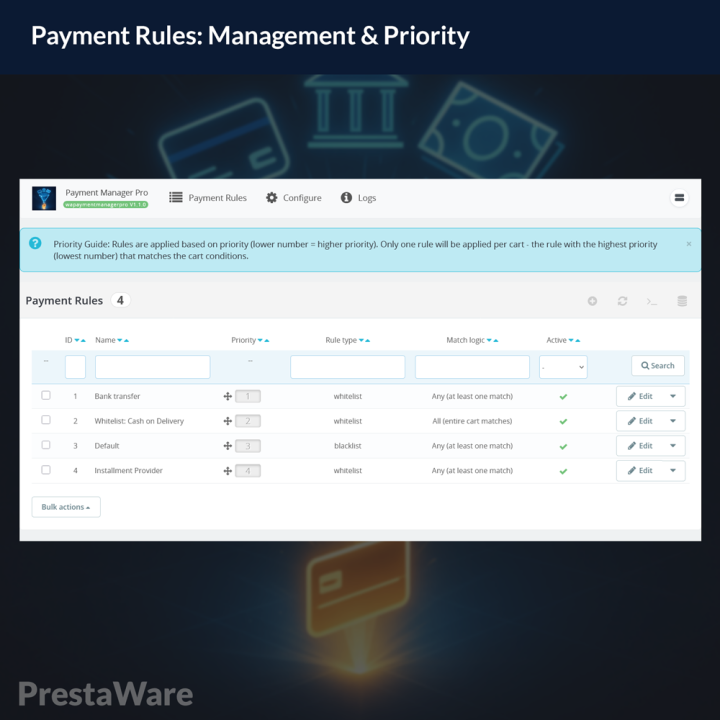
- Reorder rules with drag & drop to control their priority and decide which rule is evaluated first.
- View an overview of rule status and recent activity from a dedicated module dashboard.
- On the order details page, see exactly which rule was applied and how it changed the available payment methods for that order.
- Use built-in logs to inspect how rules were evaluated during checkout, making it easy to understand why a specific payment method was shown or hidden.
Real-world scenarios
Here are a few examples of what you can implement with Payment Manager Pro:
- Here are a few examples of what you can implement with Payment Manager Pro:
- Limit “bank transfer” to a specific product category to reduce manual follow-up and reconciliation work.
- Enable an installment payment method only for digital goods or high-value products where you actually want to offer installments.
- Restrict cash on delivery (COD) to heavy or bulky products that are shipped via special carriers.
- Handle virtual/downloadable products correctly by showing only online payment methods for fully virtual carts.
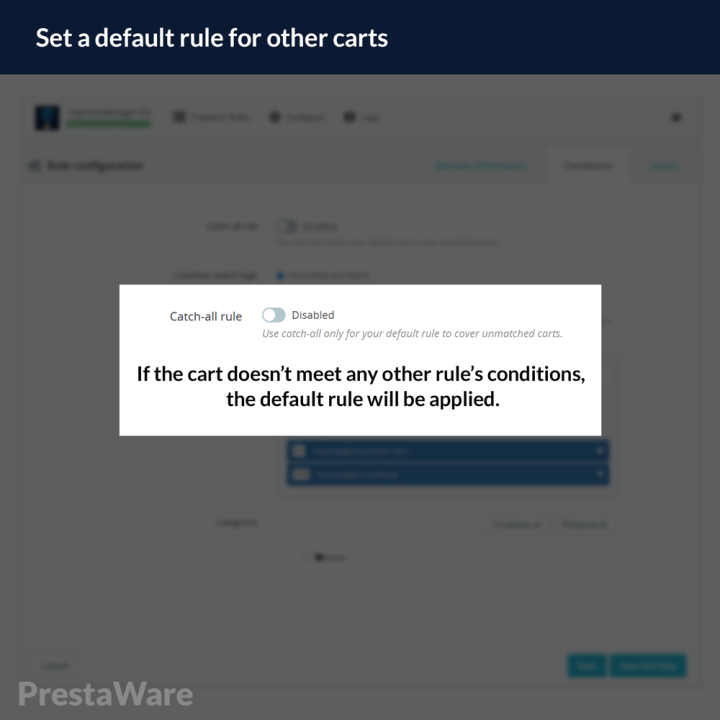
- Define a global fallback rule that applies a default behavior whenever the cart does not match any of your more specific rules.
How the rule engine works
- Each payment rule consists of:
- Conditions based on products and categories in the cart.
- An action (whitelist or blacklist) defining how payment methods are shown or hidden.
- A priority, which controls the order in which rules are evaluated.
- During checkout, rules are evaluated in the order you define, so higher-priority rules take precedence over lower-priority ones.
- The module records how rules were evaluated and stores this information both in logs and on the order details page, so you always have a clear audit trail of payment decisions.
Roadmap – upcoming features
We are actively developing new capabilities that will extend the same rule-based approach beyond products and categories. Planned features include:
- Payment surcharges and discounts (Add extra fees or discounts for specific payment methods as part of your payment rules.)
- Additional rule conditions
Create rules based on:
- Customer groups
- Cart total amount
- Postal code ranges
- Selected weekdays
- Time ranges (hours of the day)
- Cart testing & troubleshooting tool
A dedicated testing area where you can simulate different carts and see which rules would be applied before going live.